Published on: September 7, 2026
A campaign rarely lives in one place. The same idea has to show up as a hero banner, a square social post, an email header, and a dozen other formats, all while still feeling like one coherent thought. Building all of that from scratch used to mean a full production schedule and a team large enough to cover every format. An AI image generator changes that math considerably. Dreamina, running on its newest model Seedream 5.0 Pro, makes it realistic for one strong concept to grow into a full campaign without losing what made the original idea work.
Why one concept has to stretch further than one image
A campaign asset rarely exists in isolation. It needs a wide banner version, a square crop for social, sometimes a vertical cut for stories, and each of those has to still feel like the same campaign rather than a set of loosely related images. Treating the initial concept as a flexible foundation, rather than a single finished output, is what makes that consistency possible without reshooting the idea several different times.
What needs to survive across every format
Before adapting a concept into different placements, it helps to know what absolutely can’t shift:
- The core color palette and lighting mood
- The subject’s positioning and overall visual weight
- Any recurring brand element, whether that’s typography, a logo, or a signature color
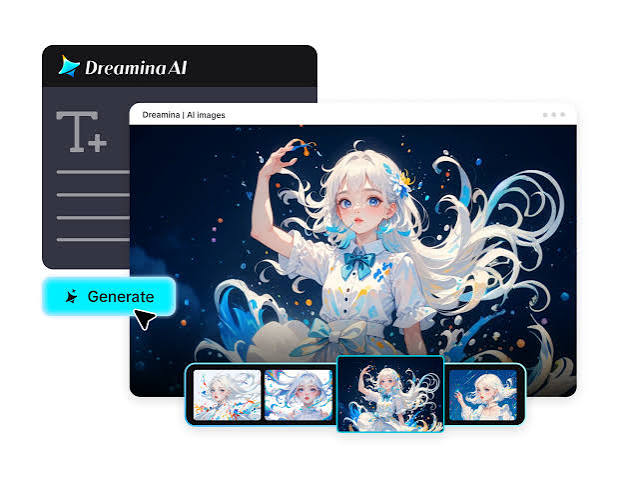
Meet Dreamina’s Seedream 5.0 Pro
Seedream 5.0 Pro is well suited to this kind of format-spanning work because of how independently it can adjust pieces of an image without touching the rest. Point selection, lasso tools, and sketch guidance let you reframe or extend a composition for a new aspect ratio while keeping the subject and lighting intact.
Layer separation adds real flexibility here too, letting subject, background, and text shift independently as a single concept gets rebuilt for banners, social posts, and everything in between.
With 2K output holding detail across every size, native text support in 14 languages for region-specific rollouts, and built-in research keeping the campaign visually current, it’s a model built for scaling one idea rather than starting over for every placement.
Building a full campaign from a single starting concept
This is where one idea actually starts turning into an entire set of usable assets. Here’s how it plays out inside Dreamina.
Step 1: Write a text prompt and/or add reference image
Head to Dreamina and describe your core campaign concept in real detail, subject, mood, lighting, color story. Once you have a strong hero image, upload it as a reference for every subsequent format, so the whole campaign stays visually anchored to it.
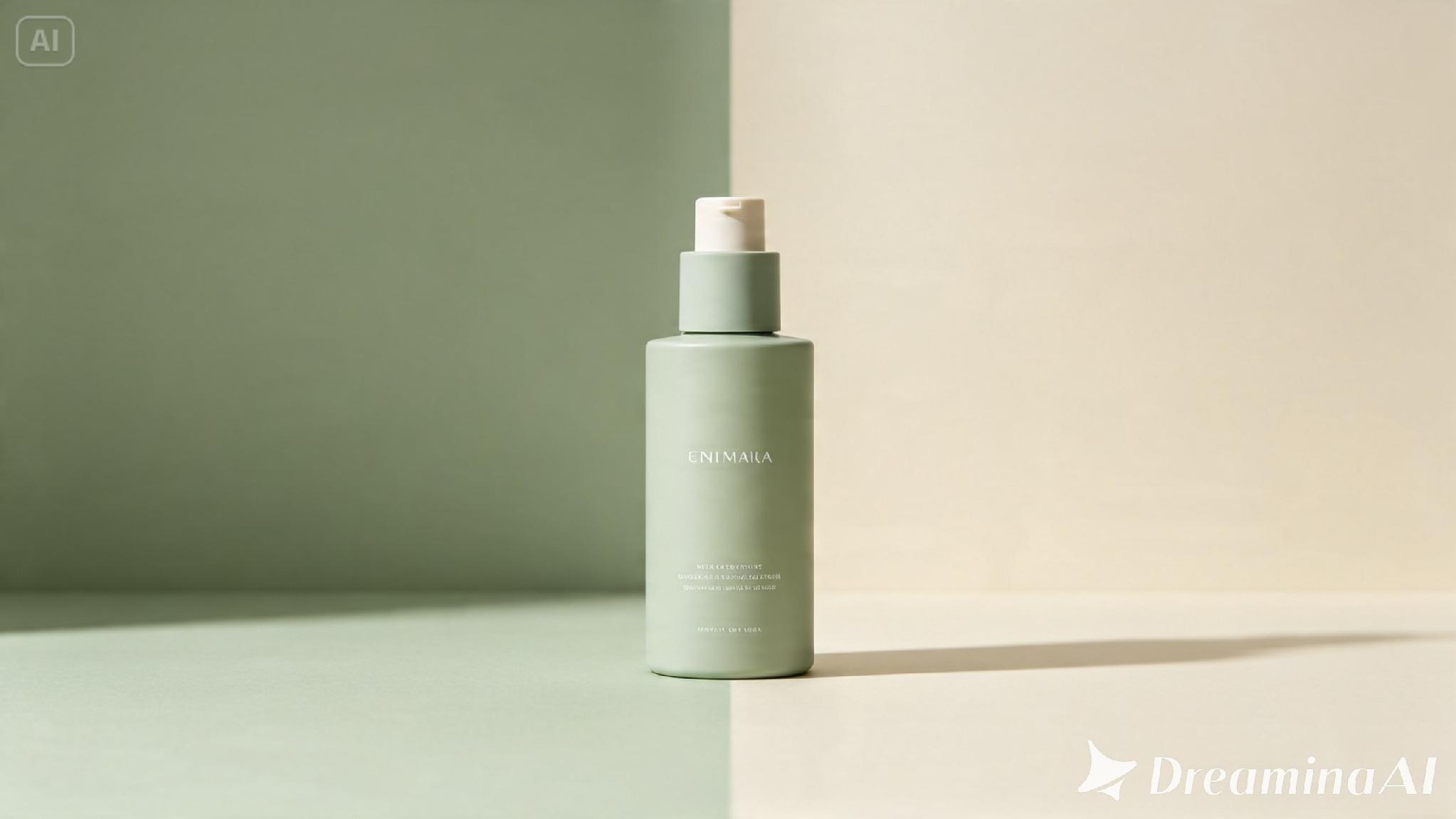
A sample prompt might read: “A glass skincare bottle on a marble surface, soft natural window light, muted sage and cream tones, minimalist commercial styling, centered composition with generous negative space.”
Step 2: Adjust parameters and generate
Select Image 5.0 Pro by Seedream 5.0 Pro as your model. For each new format, adjust the aspect ratio and size to match that specific placement, banner, square post, vertical story, while keeping everything else consistent. Choose resolution, 1K for testing a new crop, 2K once a format is ready to publish. Click Dreamina’s icon once it’s set, and let it generate.
Step 3: Customize and download
Each new format usually needs a small adjustment once it’s reframed. Use inpaint, expand, remove, and retouch to fill in space a new crop revealed or to recenter a subject that shifted slightly out of position. Once each version fits its format cleanly, hit “Download” and move to the next placement.
Keeping a campaign cohesive across every touchpoint
The more formats a campaign spans, the easier it is for small details to drift apart. A few habits help hold everything together:
- Reference the original hero image for every new format, not the last one adapted
- Keep color grading identical across every version, even as composition shifts
- Lay out every format together before finalizing, so drift is easy to spot early
Catching inconsistency early is far simpler than trying to unify a dozen finished assets after the fact.
Mistakes that fragment an otherwise strong campaign
A handful of habits tend to undercut this kind of multi-format work specifically. Treating each placement as a separate creative decision, rather than a variation of one concept, quickly produces a campaign that feels stitched together from different ideas. Skipping the reference image when adapting a new format lets small details drift with every crop. Prioritizing a striking hero image while neglecting the smaller formats it needs to become often leaves the campaign strong in one place and weak everywhere else.
Where this approach earns its place
Building a full campaign from one concept tends to matter most in a specific set of situations. Product launches benefit heavily, since a single strong idea often needs to appear across several placements within days of going live. Multi-platform advertising follows a similar pattern, adapting one visual language across channels with very different size and format requirements. Seasonal campaigns get real value here too, refreshing a familiar concept without rebuilding an entire visual identity from the ground up.
Wrapping up
A campaign was never really one image, it was always a concept that had to hold together across a dozen different shapes and sizes. With Dreamina and Seedream 5.0 Pro, that consistency comes from one strong starting point and a handful of careful adaptations, rather than a separate production for every single format a campaign happens to need.